How to Fix Alliance Shield Setup Errors: The Ultimate "Reset & Repeat" Trick
Are you stuck on the Alliance Shield setup? Whether you are facing the "Device is Expired" error or the Knox login screen, getting through the security layers of modern devices can be a headache. After testing multiple methods, we have found a 100% working solution that relies on persistence and a specific reset strategy. Here is exactly how to bypass these hurdles.
Step 1: Click on 3 Dots
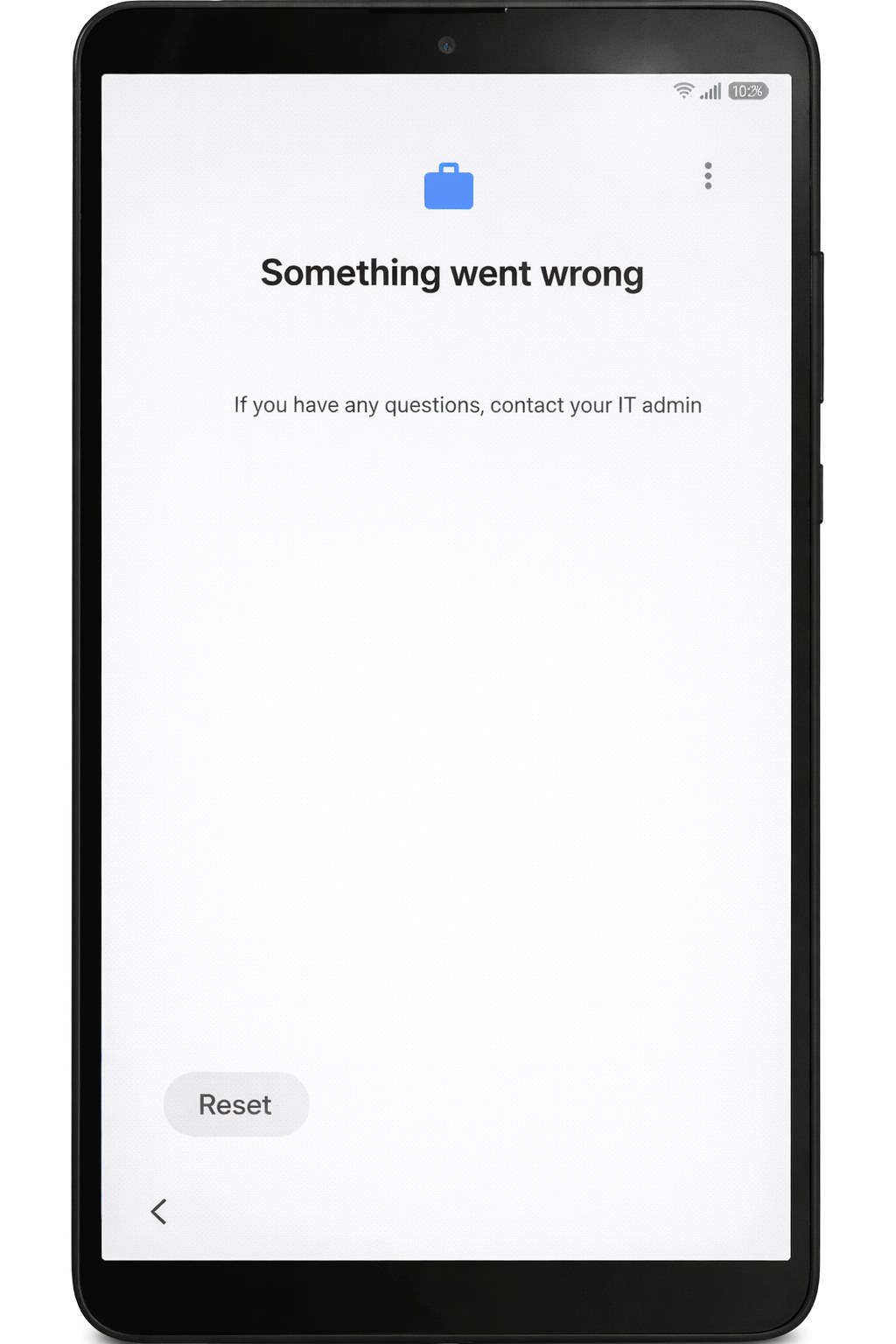
Step 2: Click on Help and Feedback
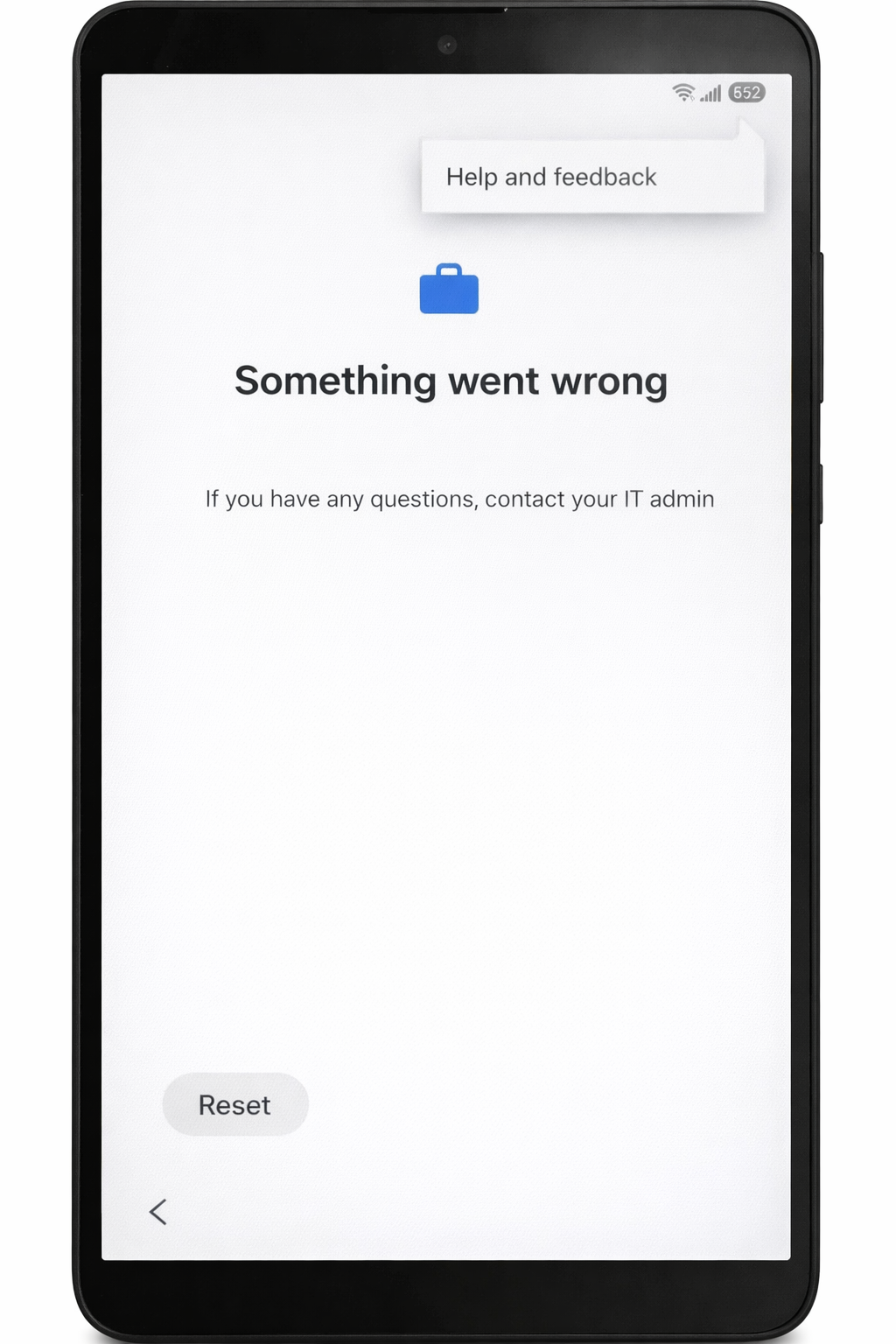
Step 3: Open Help Page And Search Article
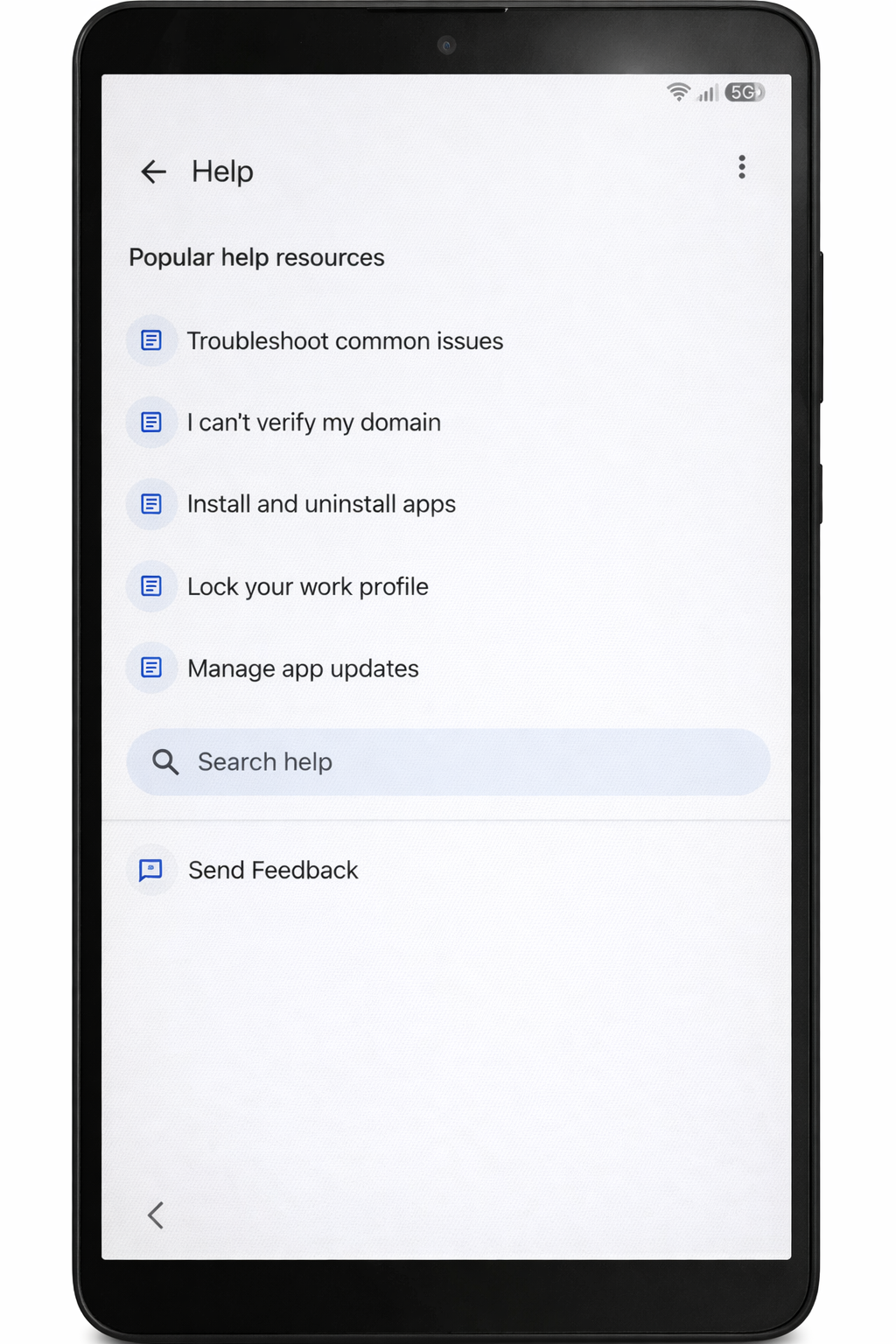
Step 4: Select 3rd Option
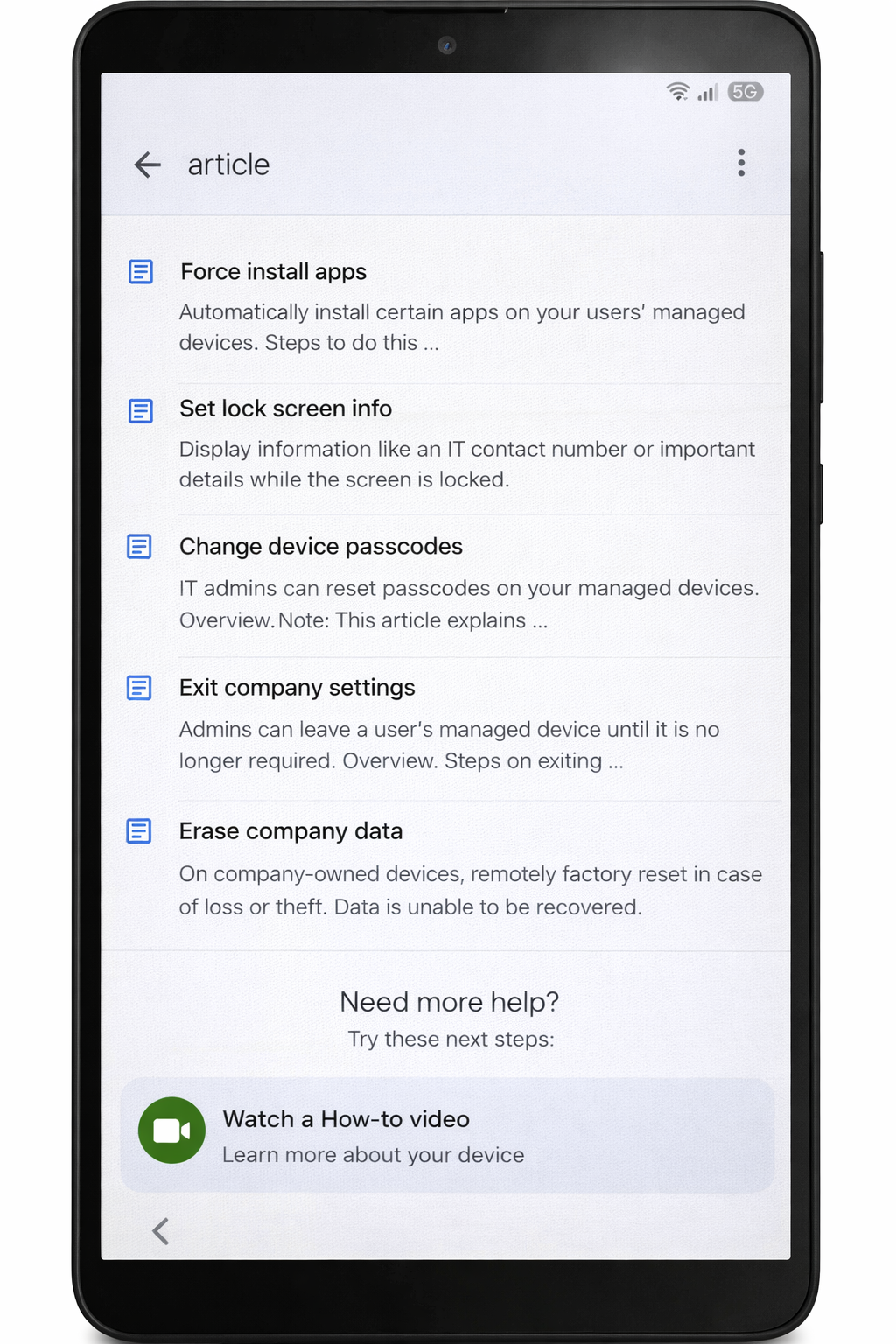
Step 5: Click on 3 Dots
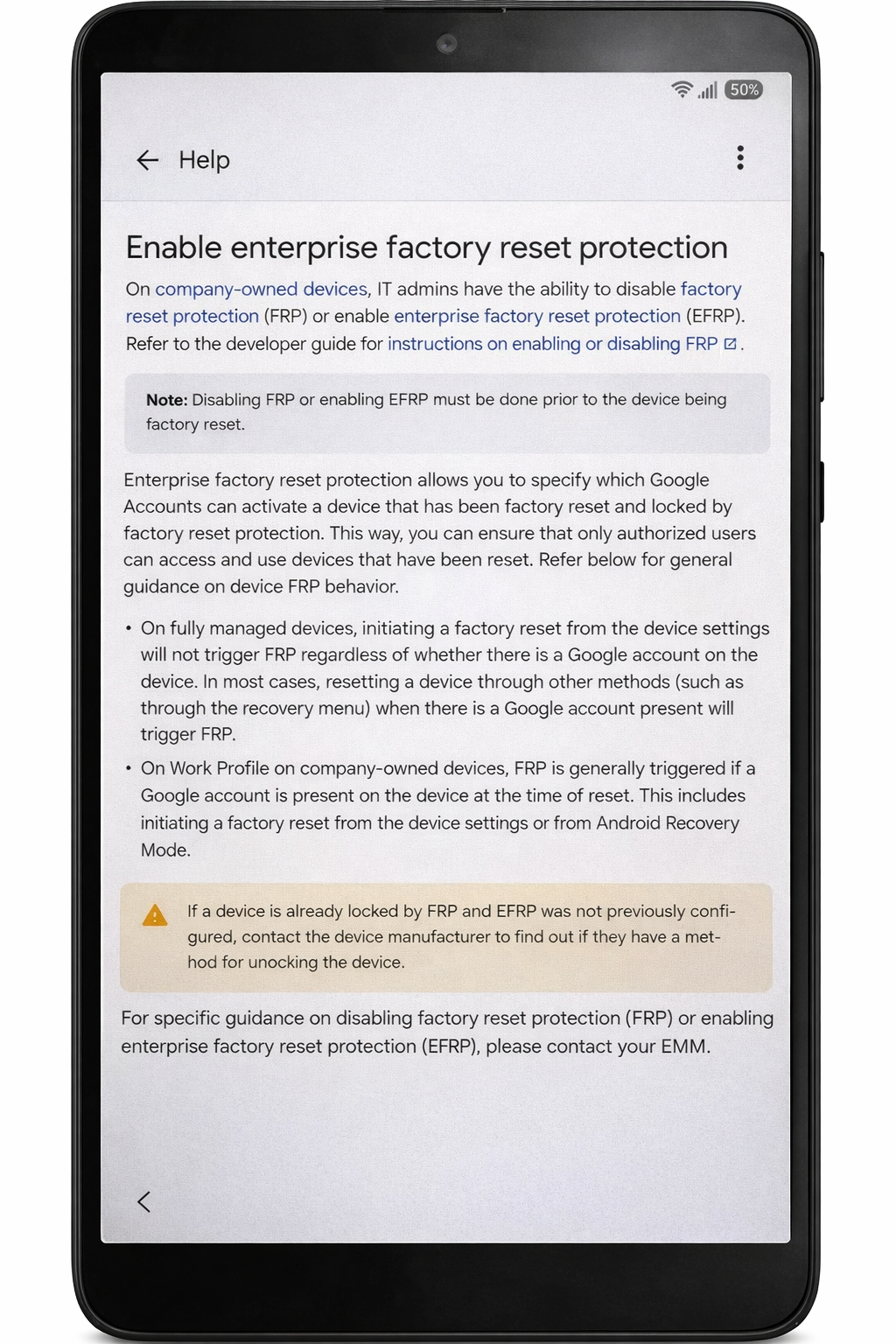
Step 6: Click on Share Article
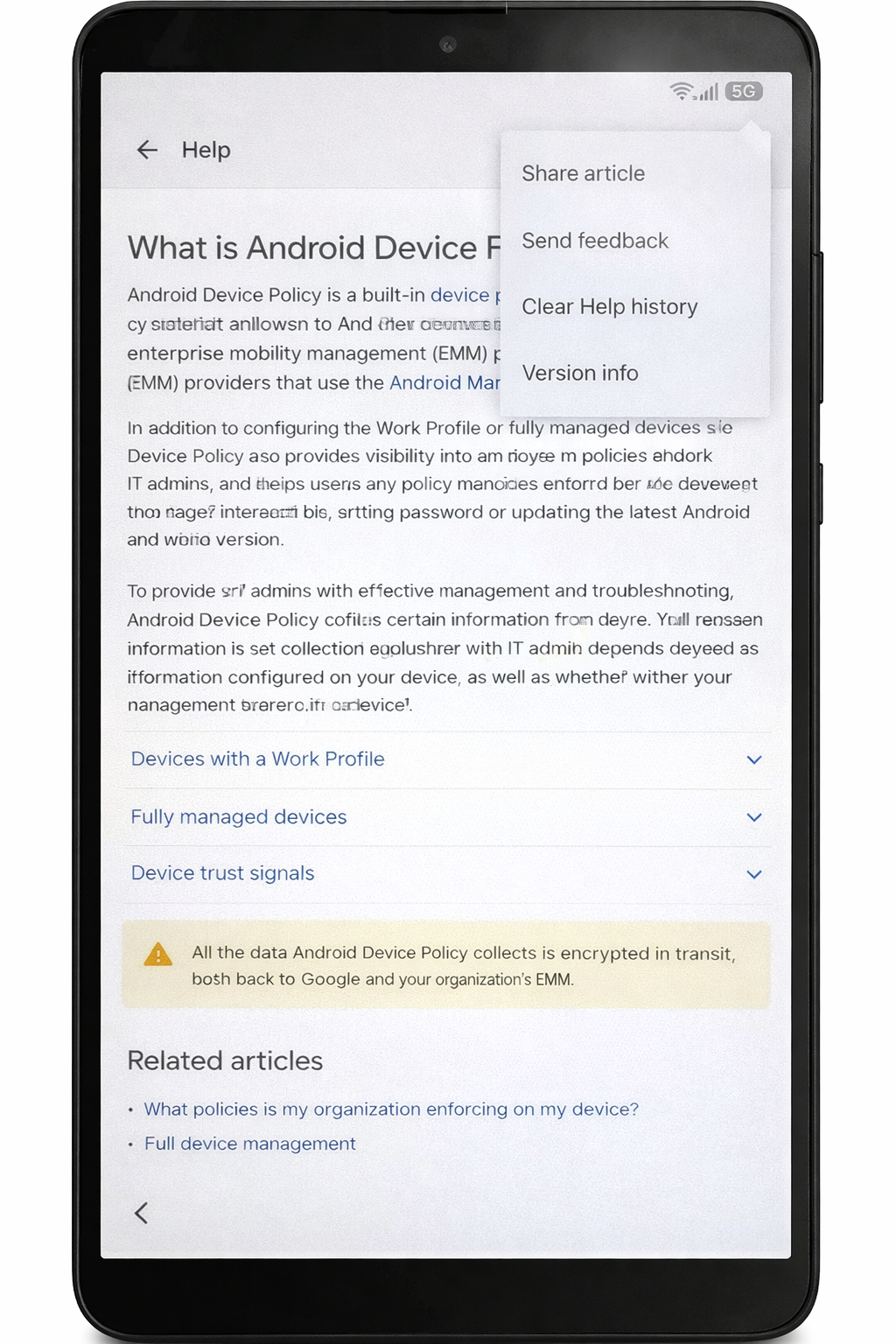
Step 8: Click on Chrome
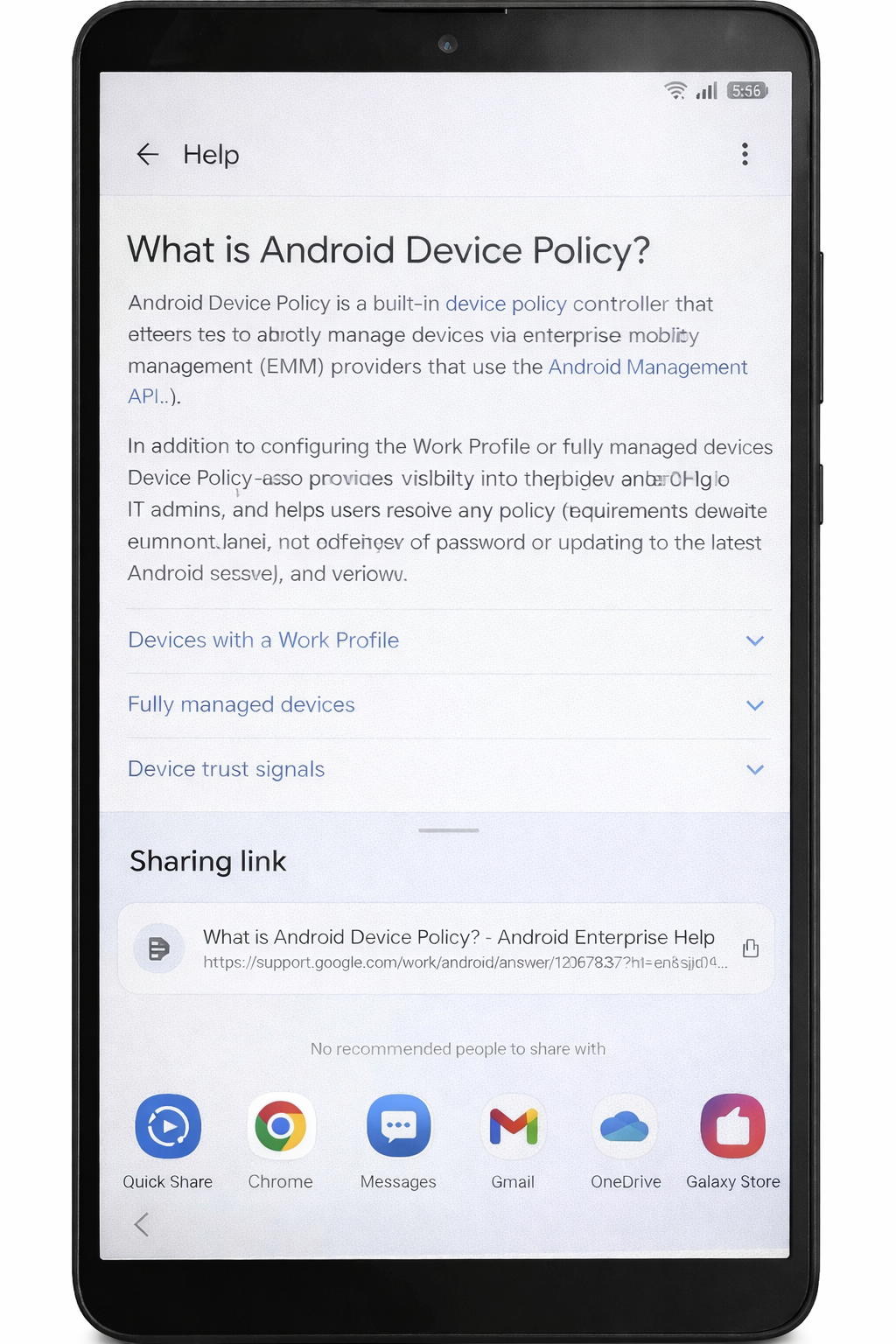
Step 8: Search a Play Store And Click
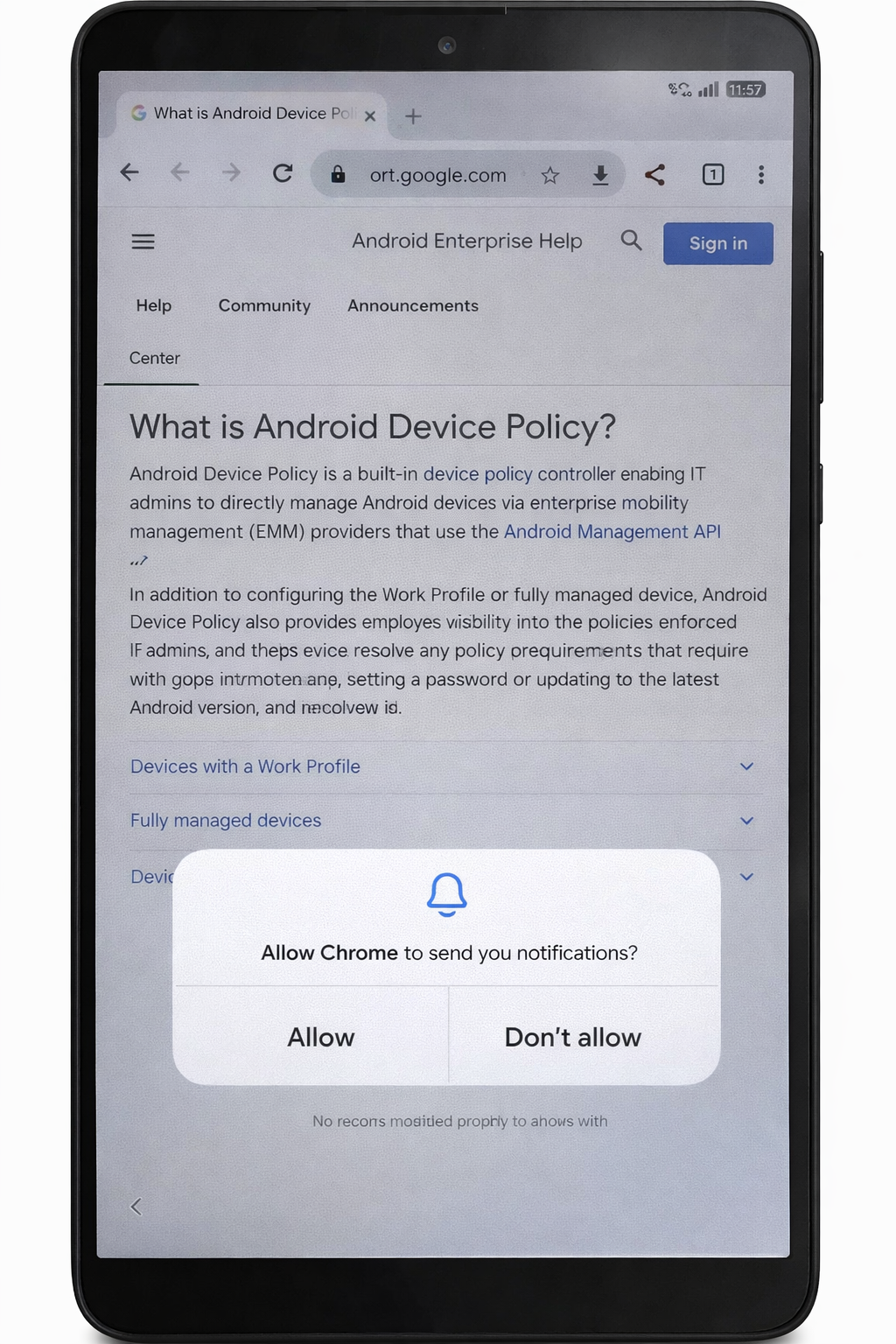
Step 9: Open Play Store & Click on # Dots
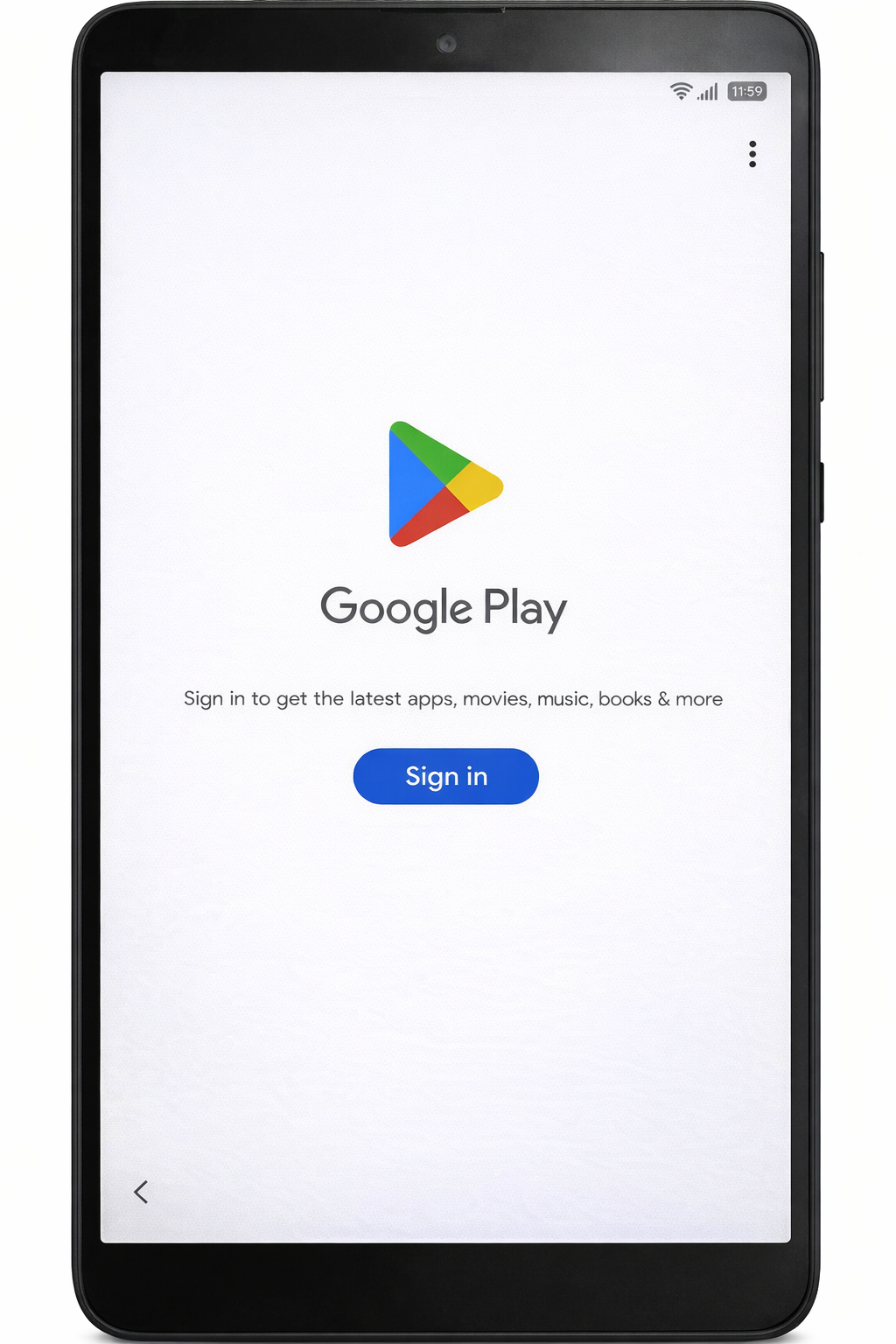
Step 10: Click on Setting Icon
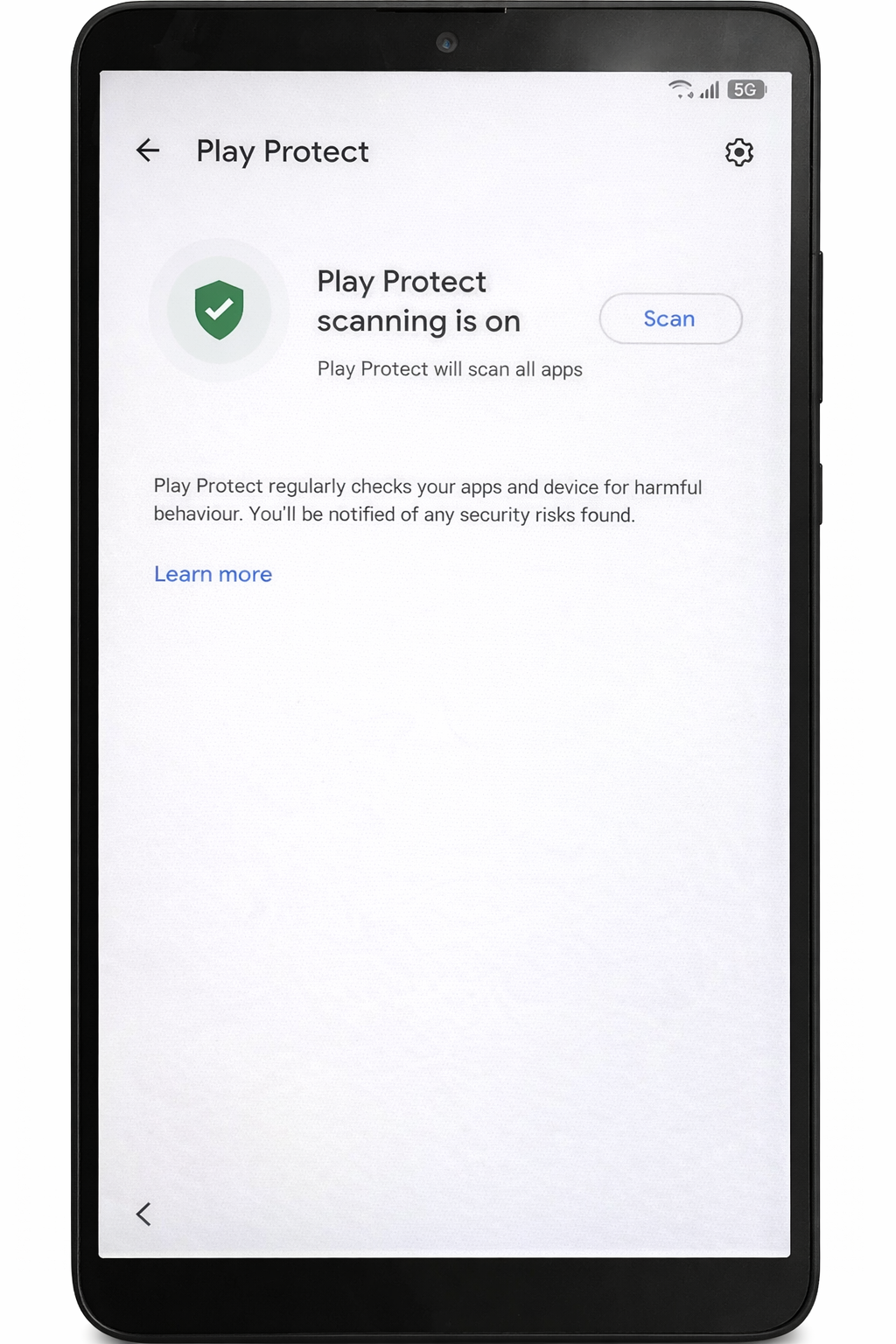
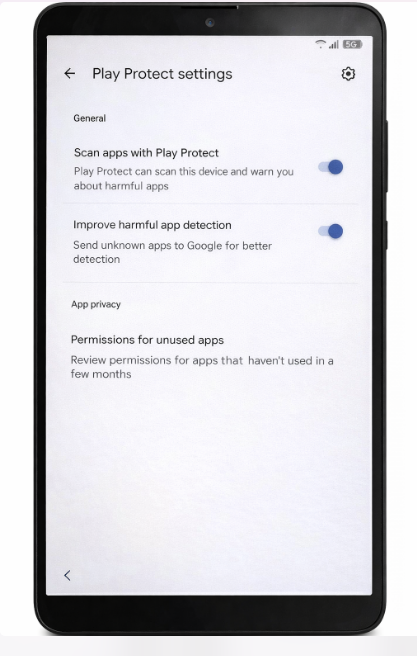
Step 11: Open Play Protect Settings And Turn off both option and then back everything up.
Rate this Page
Please sign in to rate.
0 Comments
Please sign in to comment.